PostgreSQL 13 and DBeaver CE on Debian

Install PostgreSQL 13 on a server:

sudo apt install postgresql-13

Create a PostgreSQL role and database for an existing OS user:

sudo -u postgres createuser --pwprompt oliver
sudo -u postgres createdb -O oliver oliver

Then make sure you have DBeaver CE installed on a client machine.

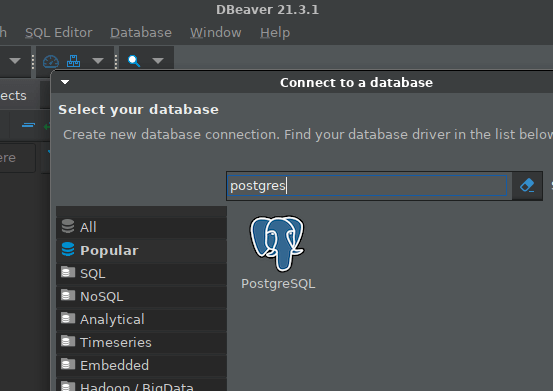
Create a connection from DBeaver to Postgres:
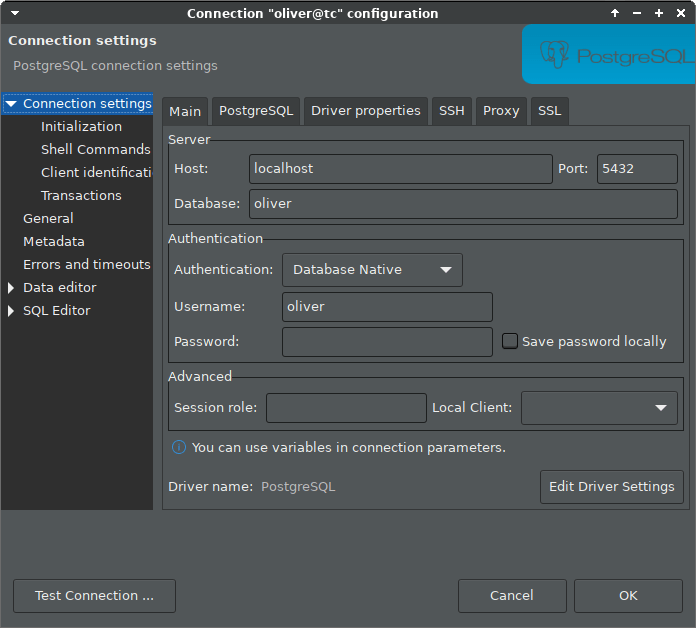
Configure authentication to database “oliver” via localhost, as we will use an ssh tunnel, and leave password empty:
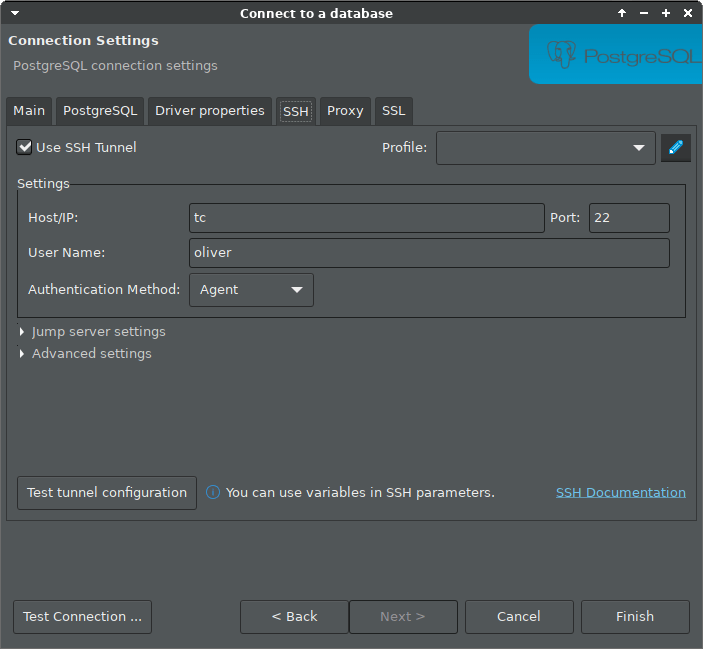
Configure ssh tunnel, for example if the server host is named “tc”. In the example we rely on a running ssh agent, which was explained in an earlier blog post.
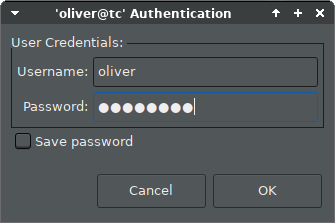
Then click “Connect” in the context menu of the new connection entry, and enter the password you assigned to the role:
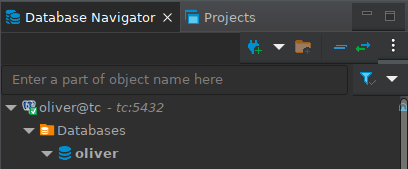
And you should be connected:
DBeaver – My new favorite DB tool

I have used Toad for Oracle and Oracle SQL Developer. Those are both good for working with Oracle databases.

However, I generally prefer Open Source tools and ideally something that works with other databases as well.

So I looked around, tried TOra but found it buggy and too limited. Also, its development is quite slow, see commit history.

Then I came across DBeaver and liked it a lot. It is actively developed, the latest version 3.5.1 was actually released 3 days ago.

It is a cross-platform tool (Windows, Linux, MacOS, other Unixes) written in Java, uses the Eclipse framework for a lot of great out-of-the-box features and is overall quite polished.

It supports many databases via JDBC. More details and some comparison with similar tools are mentioned on its About page.

splashscreen-circle